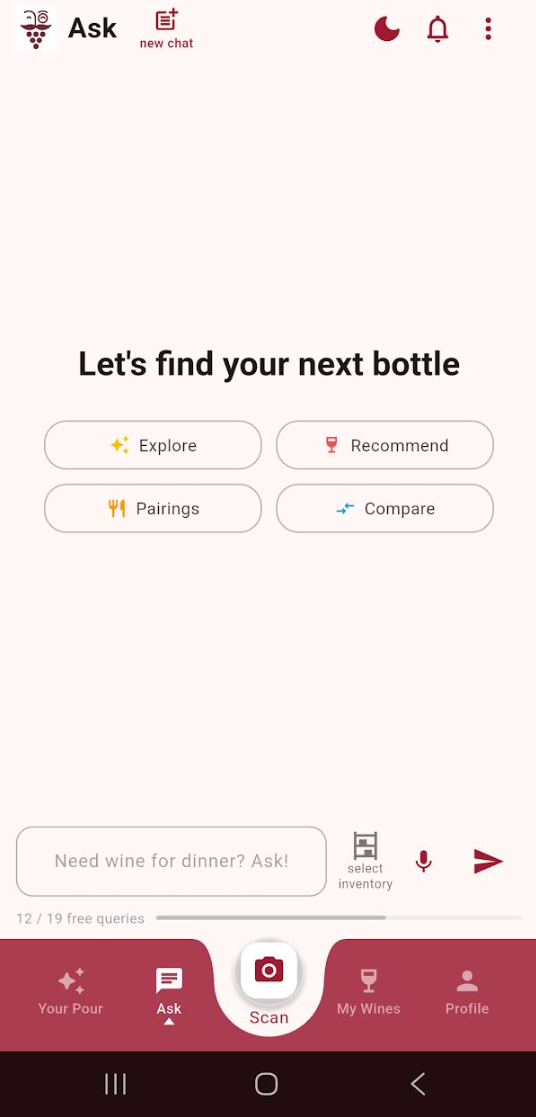
Getting Started with Sommy
Learn how to set up your Sommy account and start getting personalized recommendations based on your taste.
Written By Curt Tudor
Last updated 6 months ago
Sommy is a wine app that identifies wines from their labels, tracks what you've tried, and recommends wines based on how you actually taste.
Set Up Your Account
Open Sommy and sign up with your email or use Google sign-in:

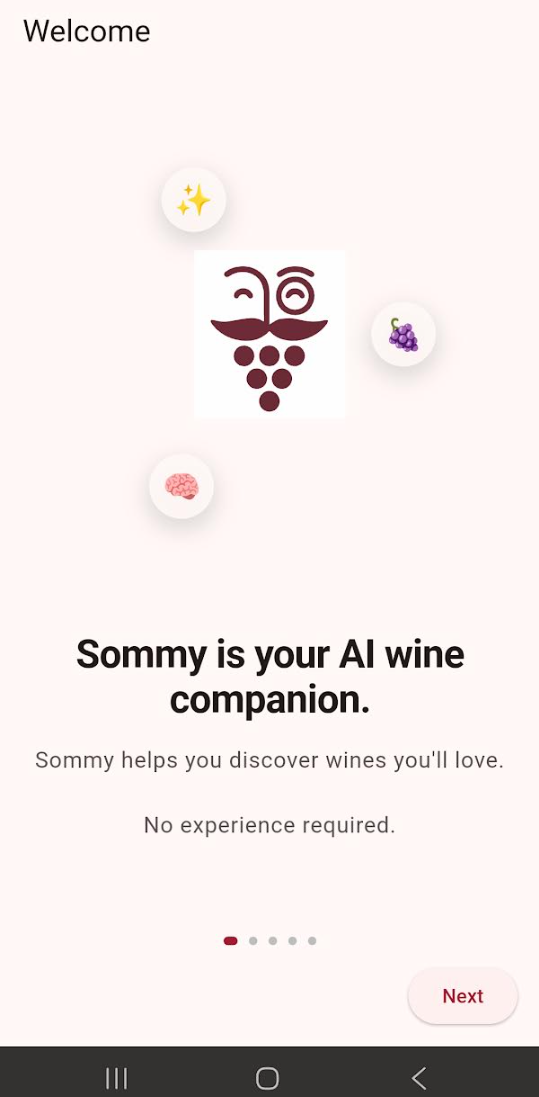
Sommy Login Page Page through the initial Welcome pages:
Complete the taste preferences — Sommy uses these to build your Palate Profile, which drives your personalized recommendations:
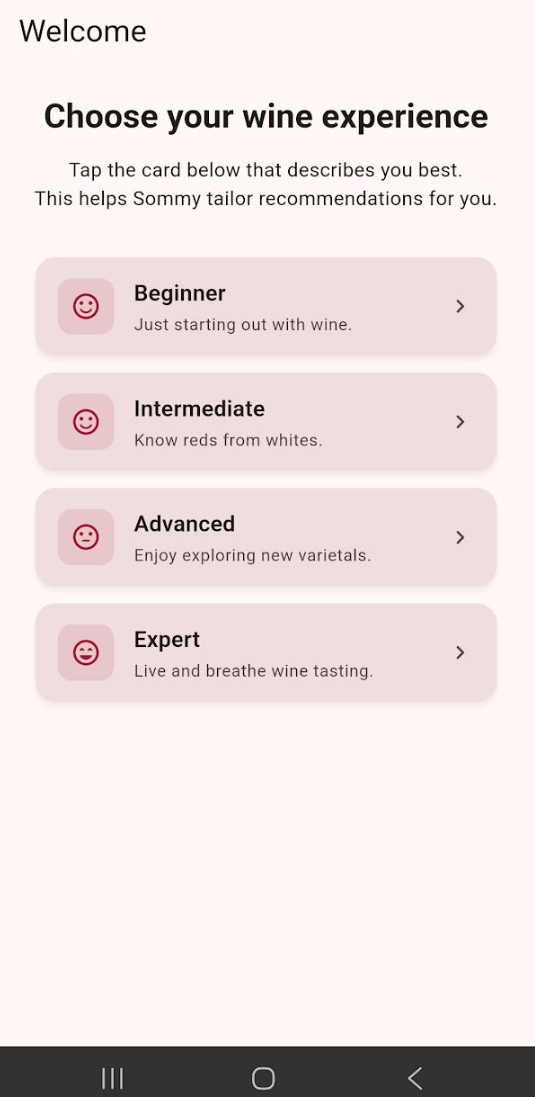
Select Your Experience Level 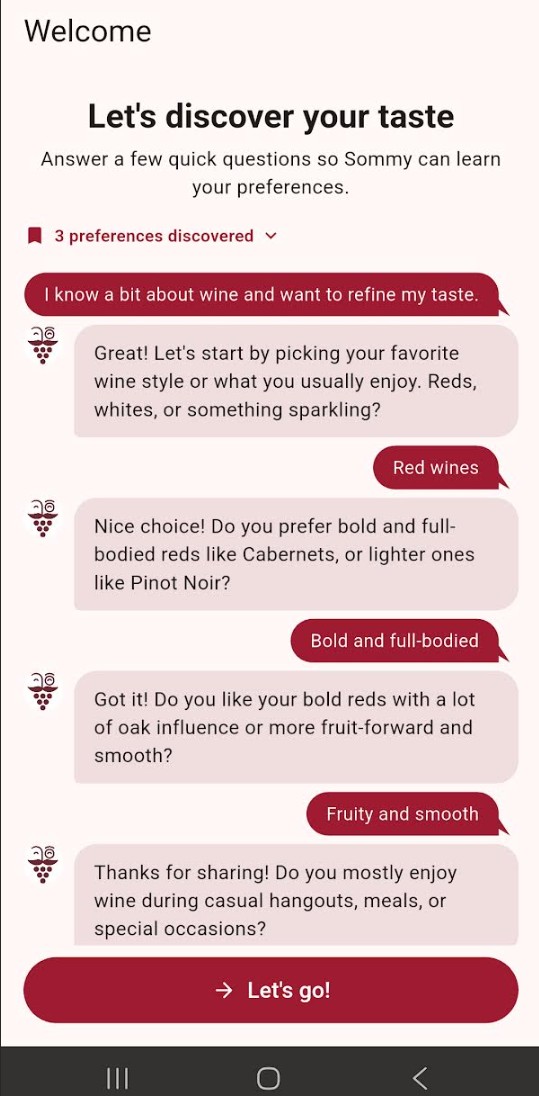
Some initial Taste Prefertences Questions Tap Let’s Go! to finish setup.
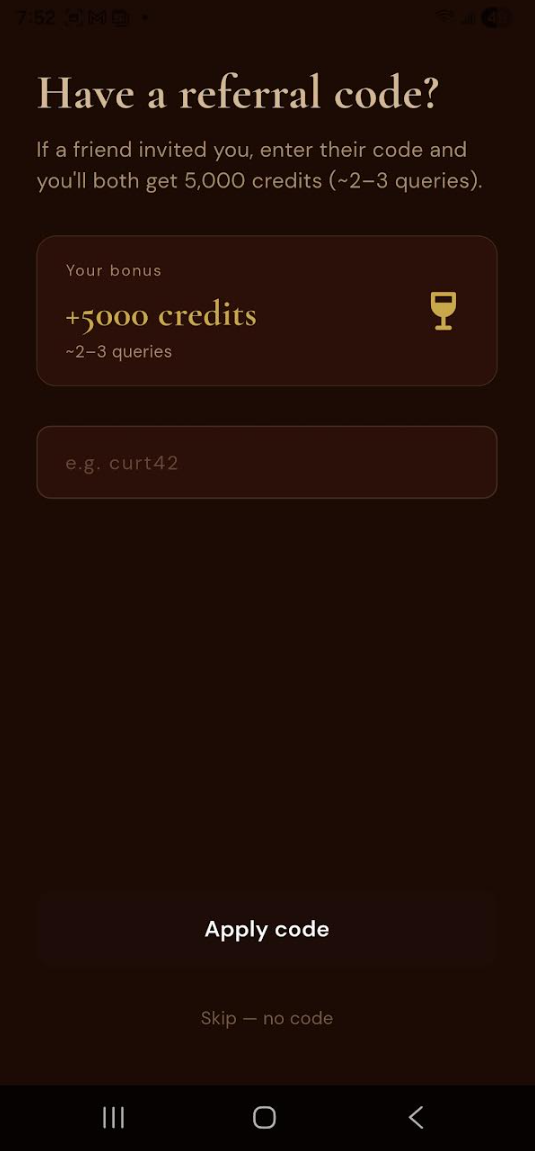
If a friend referred you to Sommy, enter the referral code and get 5000 FREE credits for both you and your friend!
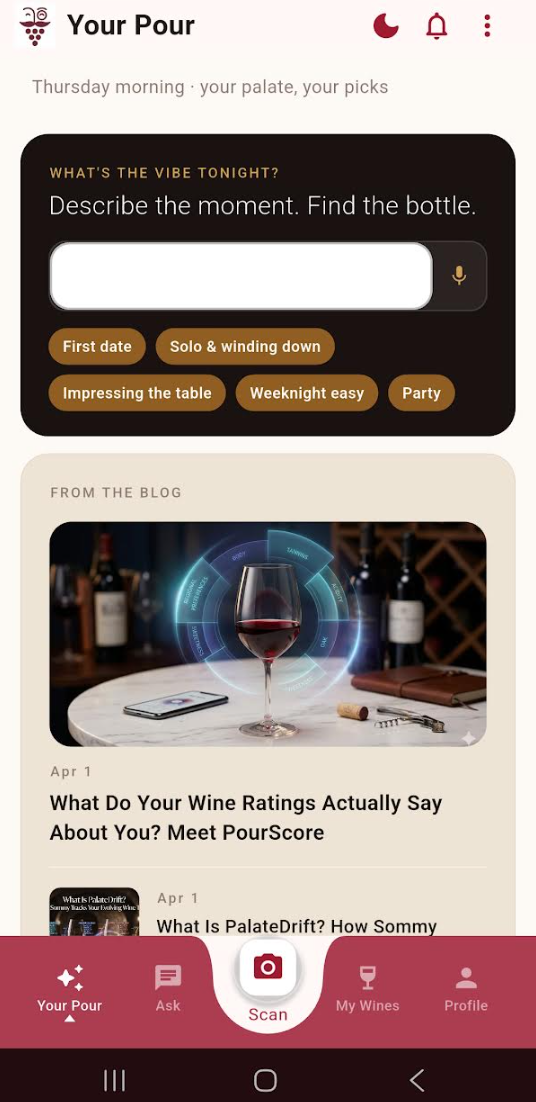
You will then land on the Your Pour page. This page is a “feed” that will present you with “tips of the day”, recent Sommy blog posts, new Sommy feature announcements, etc.
Scan Your First Wine
Tap Scan in the bottom navigation bar.
Point your camera at the front label of the wine.
Sommy identifies the wine and opens the Wine Detail sheet.
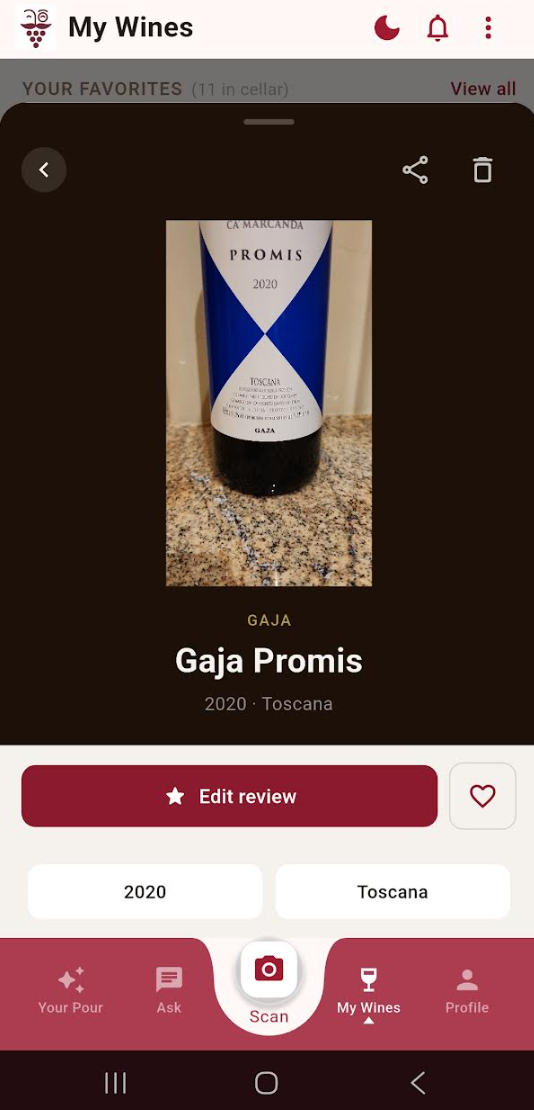
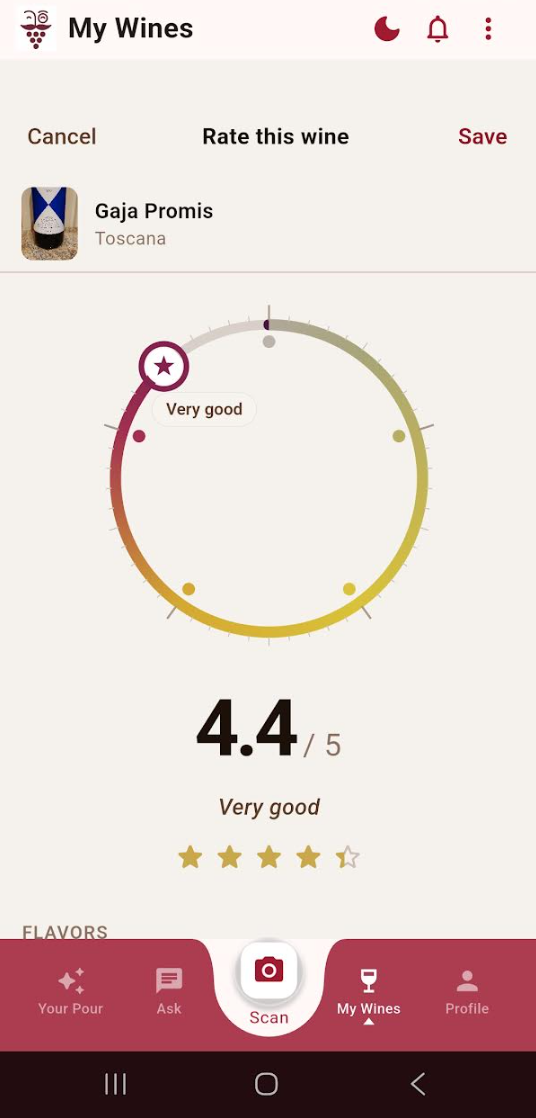
Use the rating dial to rate the wine, or tap Add to My Cellar to save it without rating:
What to Explore Next
Once you've scanned a wine or two, the rest of Sommy opens up:
My Wines — everything you've saved, rated, or flagged as want to try.
Ask Sommy — tap the chat icon on any Wine Detail sheet to ask about a wine or find a food pairing: